
.png)
.jpg)
How Do Cabinet Fans Improve Electronic Equipment Cooling? 6 Key Functions Explained
How Do Cabinet Fans Improve Electronic Equipment Cooling? 6 Key Functions Explained
1. What Are Cabinet Fans and Why Are They Essential for Electronic Equipment?
If you’ve ever noticed your router, gaming console, or electrical control box getting warm, you’ve seen firsthand how heat affects electronic equipment. Heat buildup is one of the biggest threats to electronic reliability and performance. Fortunately, cabinet fans provide a simple and effective solution.
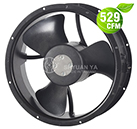
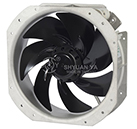
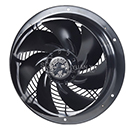
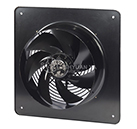
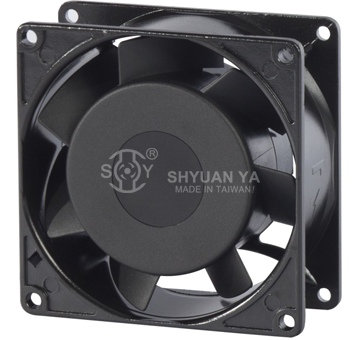
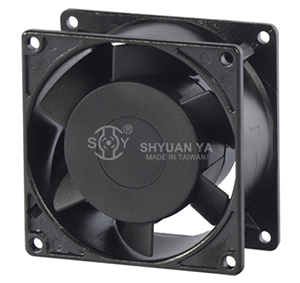
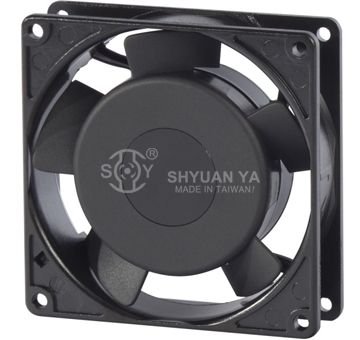
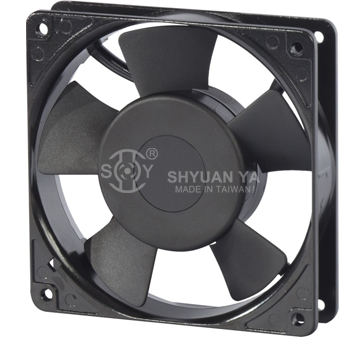
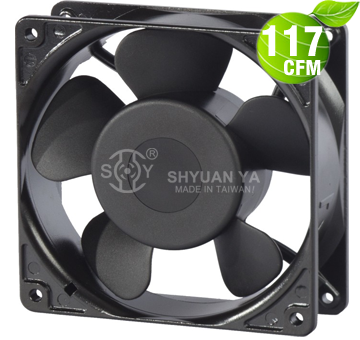
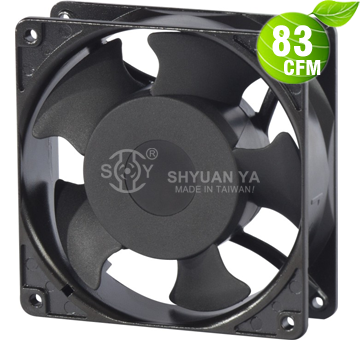
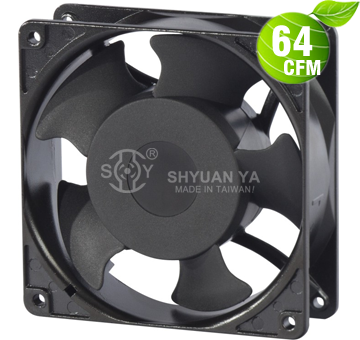
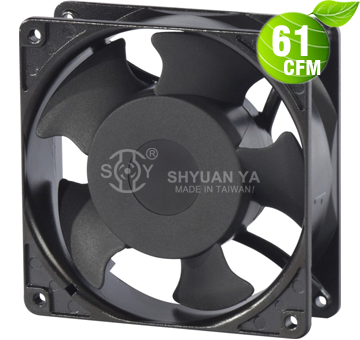
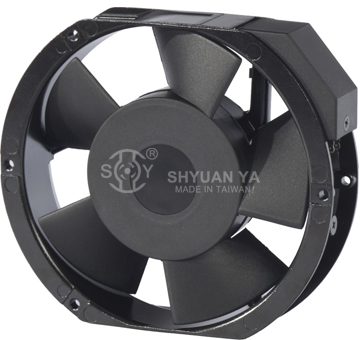
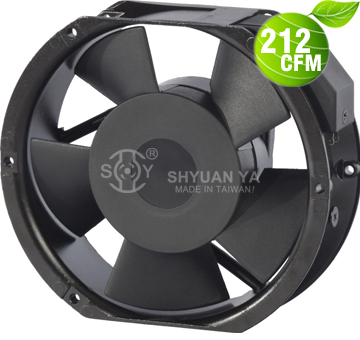
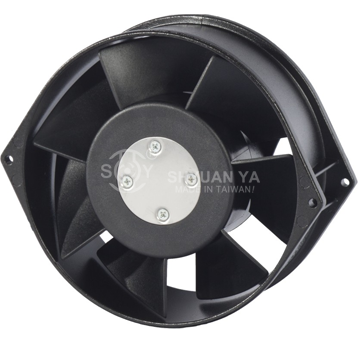
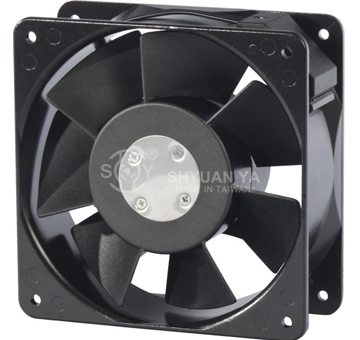
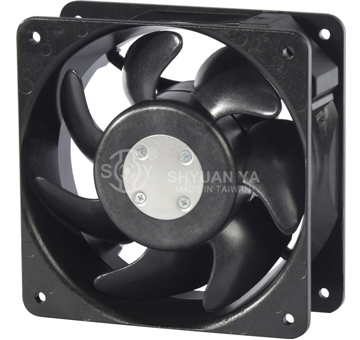
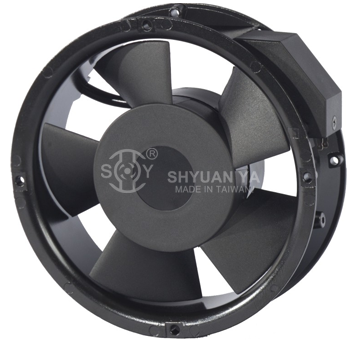
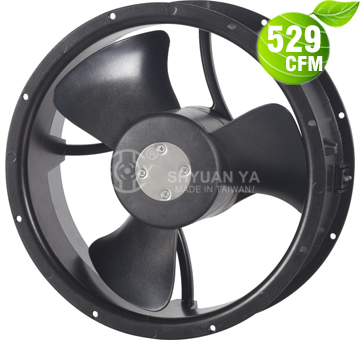
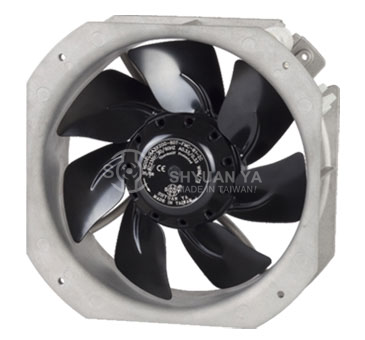
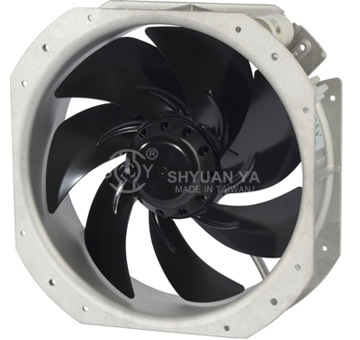
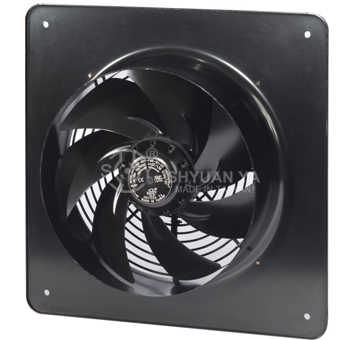
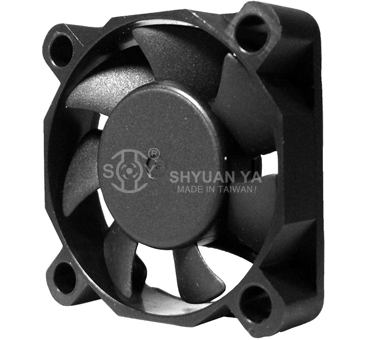
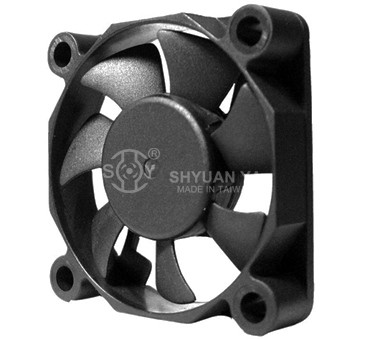
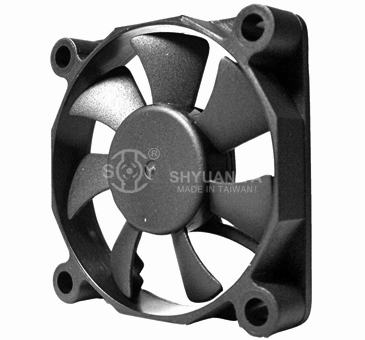
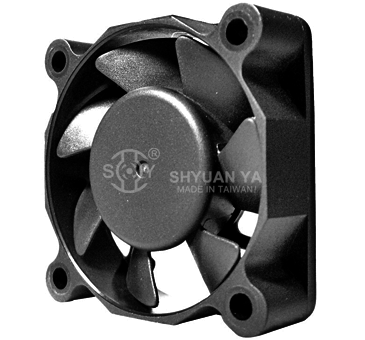
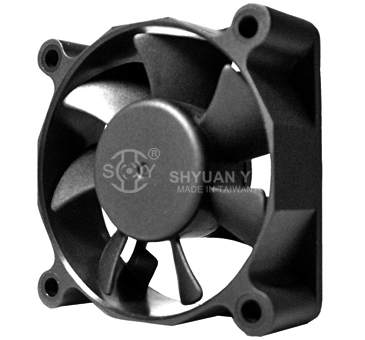
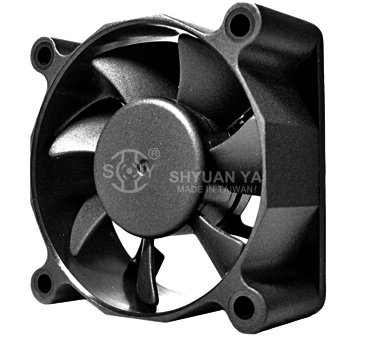
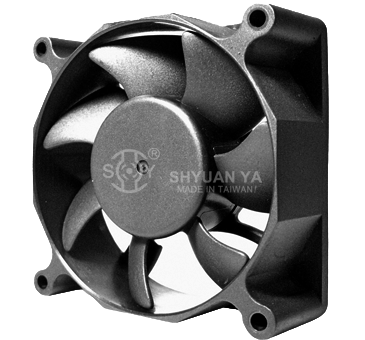
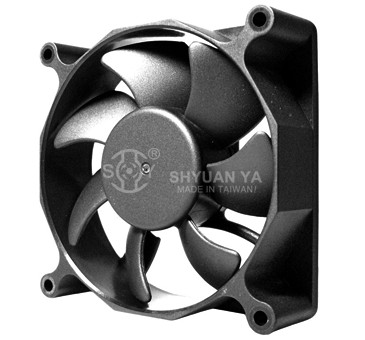
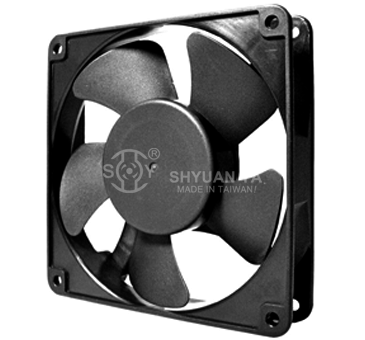
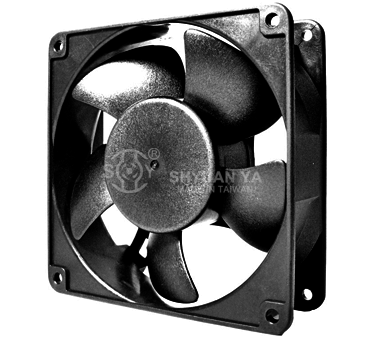
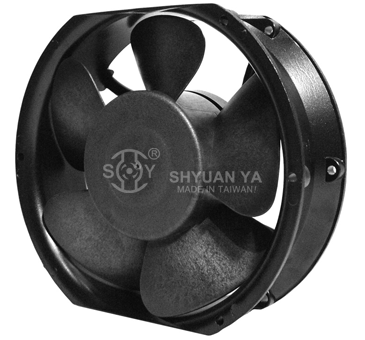
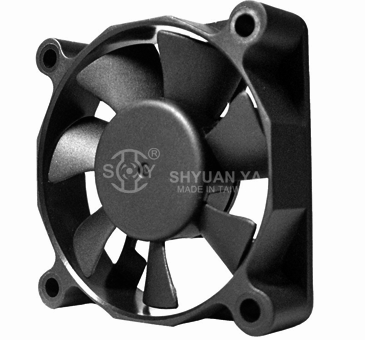
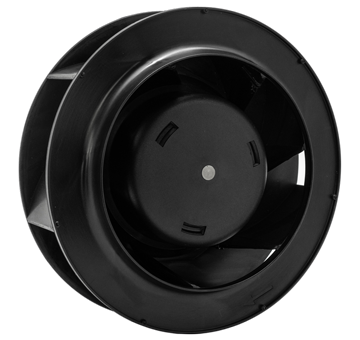
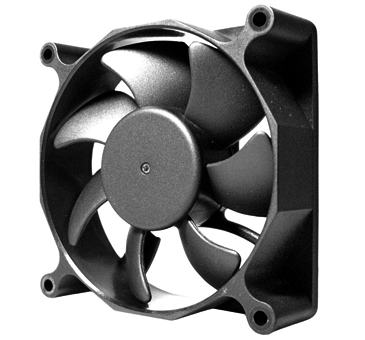
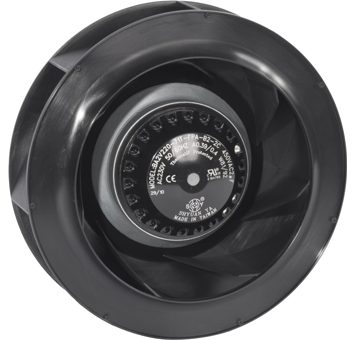
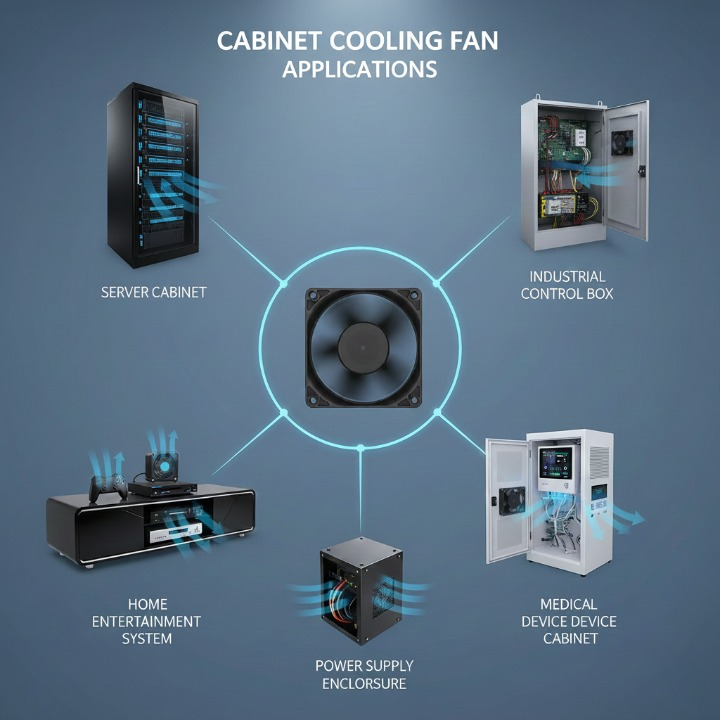
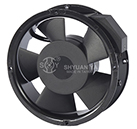
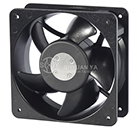
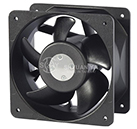
A cabinet fan is a fan installed inside or on the wall of an electronic enclosure. Its main job is to move cool air in and push hot air out, keeping equipment at safe operating temperatures. These fans are widely used in:
- Server and network cabinets
- Industrial control panels
- Home entertainment systems
- LED driver enclosures
- Medical device cabinets
- Power supply and charging stations
Without cabinet fans, equipment would overheat much faster, causing performance drops, random shutdowns, or permanent damage.
Why Cabinet Fans Matter
Almost all electronic components—CPUs, IC chips, transformers, power supplies—generate heat. If this heat is not removed:
- Component lifespan shortens
- System becomes unstable
- Efficiency decreases
- Maintenance costs rise
Cabinet fans ensure proper ventilation, making them essential for both home and industrial equipment cooling.
2. How Cabinet Fans Create Airflow to Remove Heat From Electronic Equipment
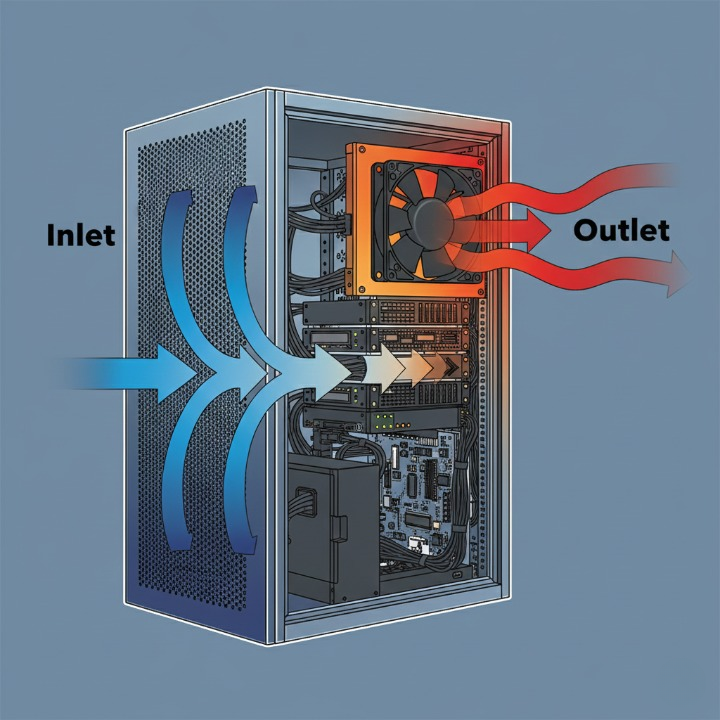
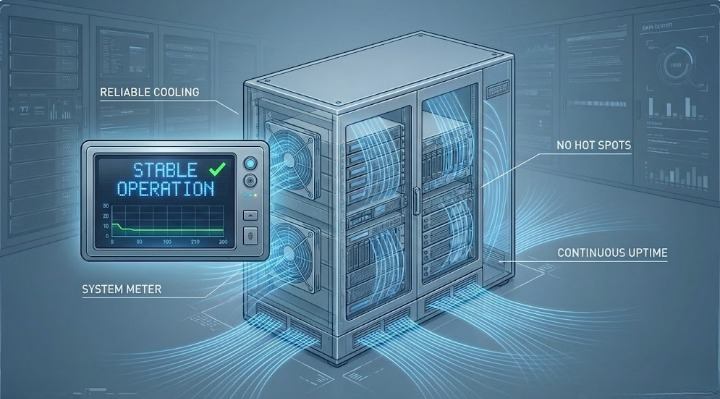
The primary way cabinet fans improve cooling is by actively moving air. Heat naturally rises and gets trapped inside closed cabinets, forming warm pockets around electronic components. Cabinet fans break this cycle by continuously replacing warm air with cooler air from outside.
How It Works
- Cool air is pulled into the cabinet through intake vents.
- Warm air is pushed out through exhaust fans or openings.
- Constant air exchange keeps temperatures stable.
This airflow method is much more effective than passive ventilation because it forces heat out rather than waiting for it to escape naturally.
Cabinet fans act like the ventilation system of the equipment—circulating air to maintain a safe temperature and prevent overheating.
3. How Cabinet Fans Improve Air Circulation and Prevent Hot Spots
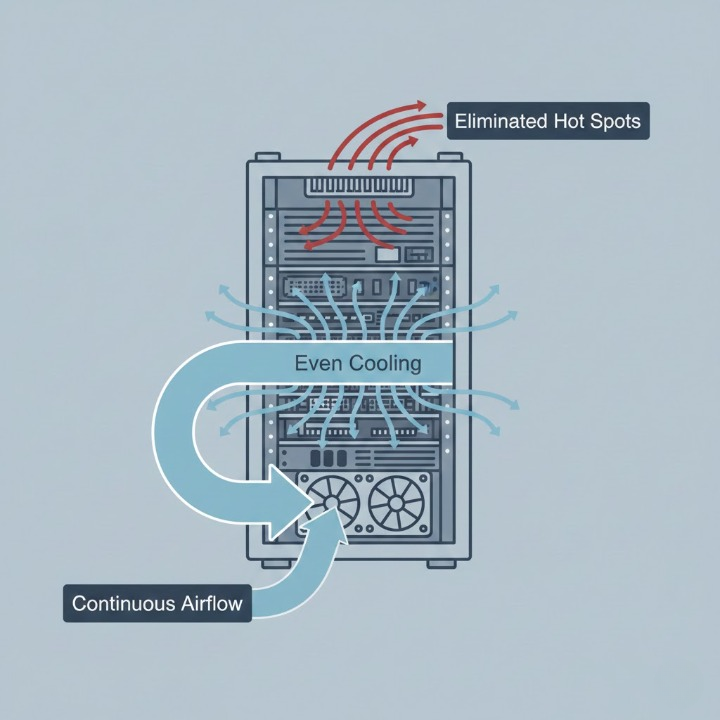
A major challenge inside electronic cabinets is the formation of hot spots—areas where air becomes trapped and heat accumulates. These typically form around:
- Power supply units
- Processors
- LED drivers
- Motor drivers
- Transformer blocks
By generating continuous airflow, cabinet fans eliminate stagnant air pockets and spread cool air evenly throughout the cabinet.
Why This Is Important
Hot spots can cause:
- Reduced performance
- Sudden resets or shutdowns
- Unexpected equipment errors
- Faster component degradation
With proper airflow circulation, cabinet fans ensure that all components receive cooling, not just those near vents.
4. How Cabinet Fans Protect Sensitive Components From Overheating and Damage
Electronic devices are extremely sensitive to heat. Even a small increase in internal temperature can significantly impact performance and longevity.
Cabinet fans help protect equipment in several ways:
1. Cooling High-Heat Components
Parts such as CPUs, transformers, IC chips, and voltage regulators produce the most heat. Cabinet fans prevent them from reaching dangerous temperatures.
2. Reducing Thermal Stress
Rapid temperature changes cause components to expand and contract. Over time, this leads to:
- Cracked solder joints
- Warped PCBs
- Damaged wiring
Stable airflow reduces temperature fluctuations, protecting internal components.
3. Limiting Dust Accumulation
When paired with filters, cabinet fans prevent dust from covering sensitive electronics—a major cause of overheating.
4. Increasing Overall Reliability
A properly ventilated system runs:
- More smoothly
- With fewer errors
- Over longer periods
Cabinet fans are a small investment that prevents expensive repairs and downtime.
5. How Cabinet Fans Enhance System Stability, Performance, and Equipment Lifespan
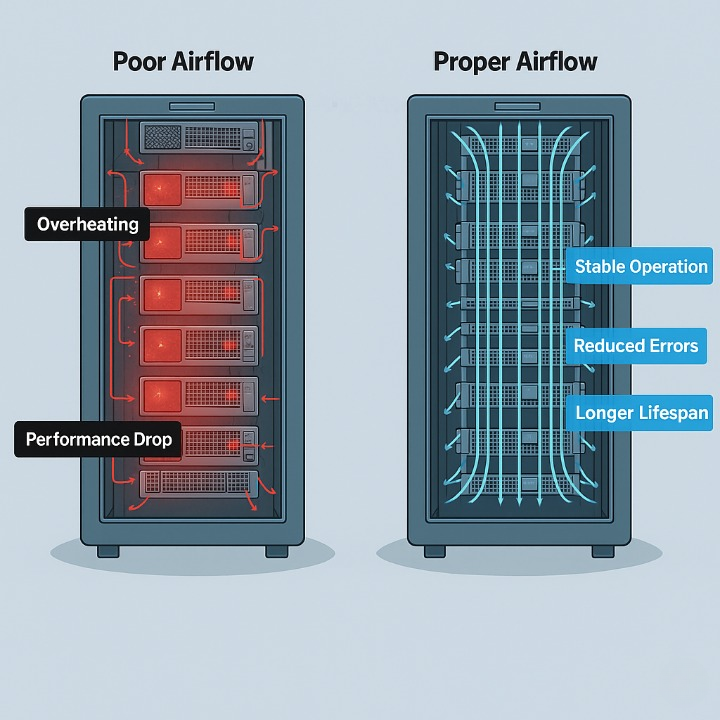
Temperature directly affects electronic performance. Cooler components run faster, last longer, and operate more efficiently. Cabinet fans provide consistent cooling that supports better performance in the long run.
Benefits of Stable Cooling
- Improved System Stability: No sudden shutdowns caused by temperature spikes.
- Extended Component Lifespan: Heat is one of the biggest factors in premature failure.
- Lower Energy Consumption: Cooler components operate more efficiently.
- Reduced System Noise: Internal fans don’t need to spin aggressively because cabinet fans help with cooling.
In both industrial and consumer electronics, cabinet fans ensure long-term reliability and optimized performance.
6. How to Choose the Right Cabinet Fan for Your Equipment Cooling Needs
Selecting the right cabinet fan doesn’t have to be difficult. Most buyers only need to look at a few basic factors: size, airflow, noise, voltage, installation location, and theenvironment where the equipment operates.
Cabinet fans work best when sized correctly and installed in the right positions. Larger fans move more air, quiet fans are better for office environments, and filter-equipped fans are ideal for dusty locations. Matching these factors to your equipment ensures proper ventilation and long-term cooling performance.
Simple Cabinet Fan Selection Guide
|
Factor |
What It Means |
Recommended Choice |
|
Fan Size |
Determines airflow capability |
80–92mm for compact spaces; 120–200mm for high heat |
|
Airflow (CFM) |
Strength of cooling |
Higher CFM for power supplies, servers, and control panels |
|
Noise Level |
Important for quiet environments |
Low-noise models for home/office equipment |
|
Voltage |
Must match your system |
110–240V AC or 12/24V DC |
|
Installation Position |
Affects cooling efficiency |
Intake fans low; exhaust fans high |
|
Environment |
Dust, heat, humidity |
Choose metal-frame or filter fans for harsh areas |
Even non-technical users can select the correct cabinet fan by following this simple table.
Frequently Asked Questions (FAQ)
1. What do cabinet fans do?
They remove heat and improve airflow inside electronic cabinets to prevent overheating.
2. Why do electronics overheat in cabinets?
Because heat gets trapped, and without airflow, temperatures rise quickly.
3. Are cabinet fans noisy?
Many models are very quiet, especially larger low-RPM fans.
4. Can cabinet fans extend equipment lifespan?
Yes — cooler electronics last significantly longer.
5. Do I need filters with cabinet fans?
For dusty environments, filters are highly recommended.
6. How many cabinet fans do I need?
Most systems work best with one intake fan and one exhaust fan.
7. Can cabinet fans run continuously?
Yes — high-quality fans are designed for 24/7 operation.
8. What size fan should I choose?
Larger fans cool better; smaller fans fit tighter spaces.
9. Does airflow direction matter?
Absolutely — intake fans bring in cool air; exhaust fans remove heat.
10. Where can I buy high-quality cabinet fans?
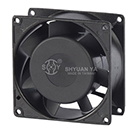
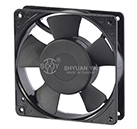
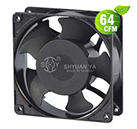
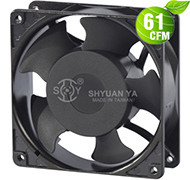
Explore reliable AC and DC Axial Fans suitable for cabinet cooling here:
👉 https://www.coolingfanmanufacturers.com/Category/2/AC-Axial-Fans
Conclusion
Cabinet fans play a vital role in keeping electronic equipment safe, stable, and efficient. By improving airflow, removing heat, preventing hot spots, and protecting sensitive components, they help ensure long-term reliability and performance.
Understanding the 6 key functions of cabinet fans gives consumers confidence when selecting cooling solutions for home, office, or industrial equipment. With proper ventilation, your electronics will run cooler, last longer, and perform better—making cabinet fans a smart investment for any enclosure.
_top.jpg)
_top.jpg)
_top.jpg)
_top.jpg)
_top.jpg)
_top.jpg)